Plan your week in minutes.
Seven days of meals, one grocery list sorted by aisle, and only recipes that fit the time and the kitchen you actually have.



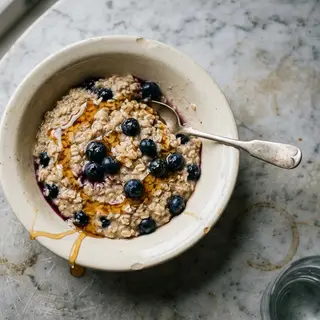


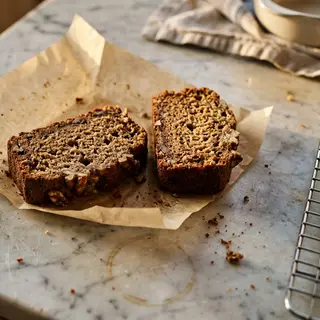

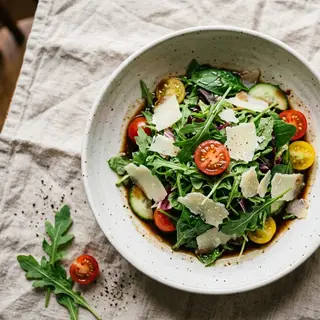






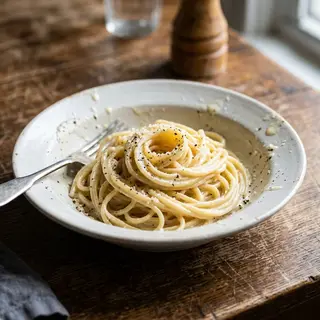






Three steps from a blank week to a full grocery list.

Say how you cook
How long you actually have on a weeknight, which appliances you own, anything you do not eat. A few taps, once.

ReciPop builds the week
Breakfast, lunch and dinner for seven days, drawn from more than 34,000 recipes and filtered to the ones you can actually make.

One tap to the shop
The whole week becomes one grocery list, grouped by aisle and scaled to how many people you are feeding.
Seven days planned · one list, sorted by aisle
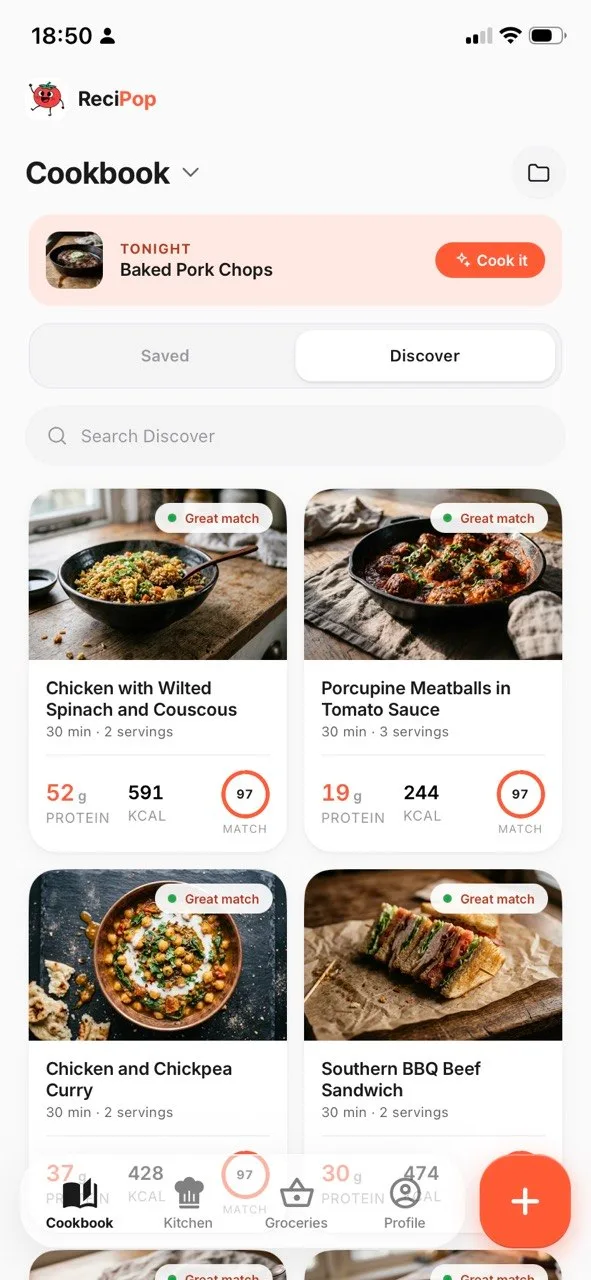 Great match
A plan you can actually cook on a Tuesday.
Most planners ask what you eat. ReciPop also asks how you cook. Say you have thirty minutes, a hob and an oven, and it plans from the recipes that fit, instead of the three-hour braise or the slow cooker you do not own.
A dietary preference is never bent. Time and appliances flex only when the alternative is a week with gaps in it.
Point it at the fridge, before you decide what to cook.
Take one photo of an open fridge. ReciPop reads what is in there, shows you the list so you can remove anything it got wrong, and reorders your recipes by how much of each one you can already make. Not four hundred recipes containing chicken, but this one where you have two of the three things, and the third is a quarter cup of cheese.
It only reads what it can see. Anything in an opaque tub or hidden behind the milk is invisible to it, so the list it gives you is a starting point, not an inventory. Tapping the wrong ones off takes a couple of seconds and the matches update as you do.
See what you could cook tonight →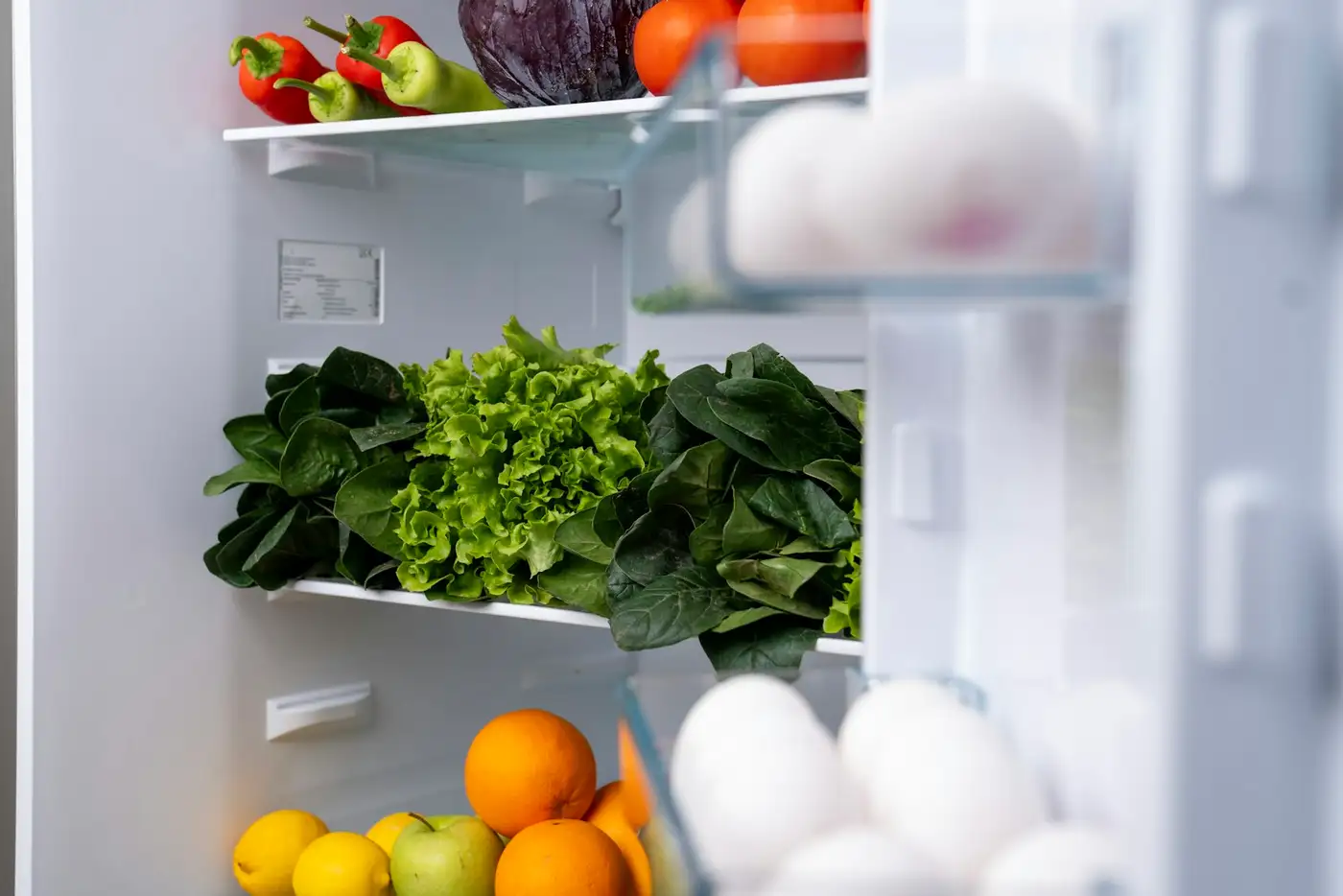
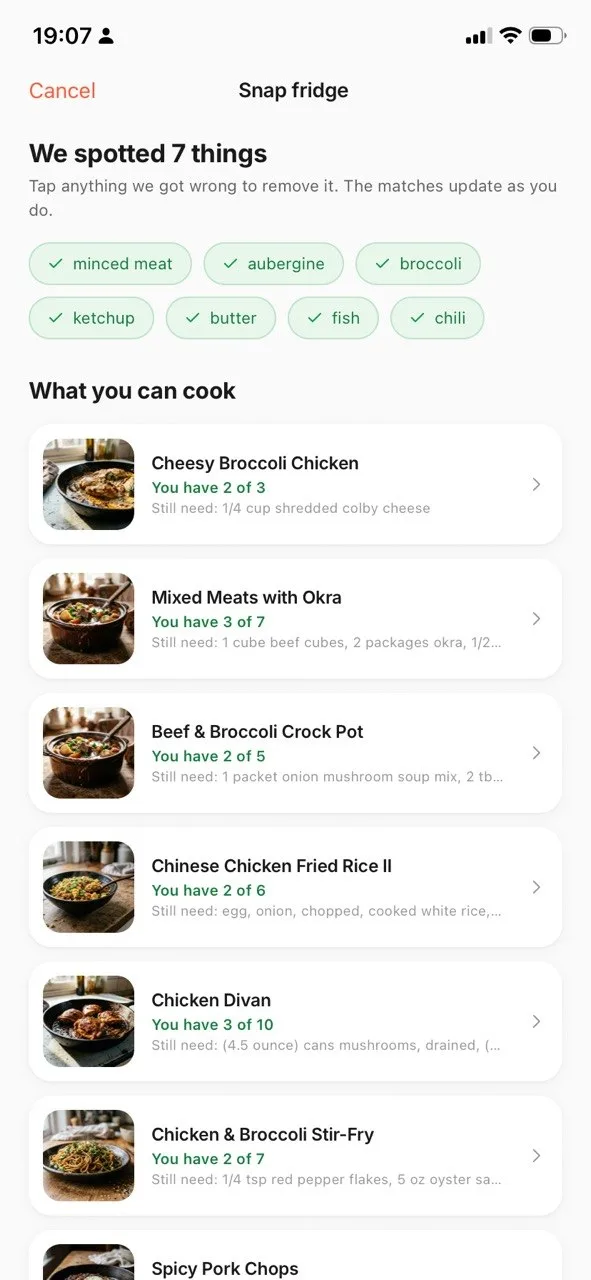 We spotted 7 things
The recipe you saw at midnight, waiting for you at dinner.
Found something on Instagram, TikTok, or a food blog. Tap share, choose ReciPop, and it lands in your cookbook with a real photo, a clean ingredient list, and the macros worked out per serving. No copy and paste. No twelve paragraphs of backstory to scroll past.
Or paste a link straight into the app. Either way what comes back is the recipe itself: every ingredient with its quantity, scaled to the number of people you are feeding, and ready to go onto the grocery list in one tap.
Start your cookbook →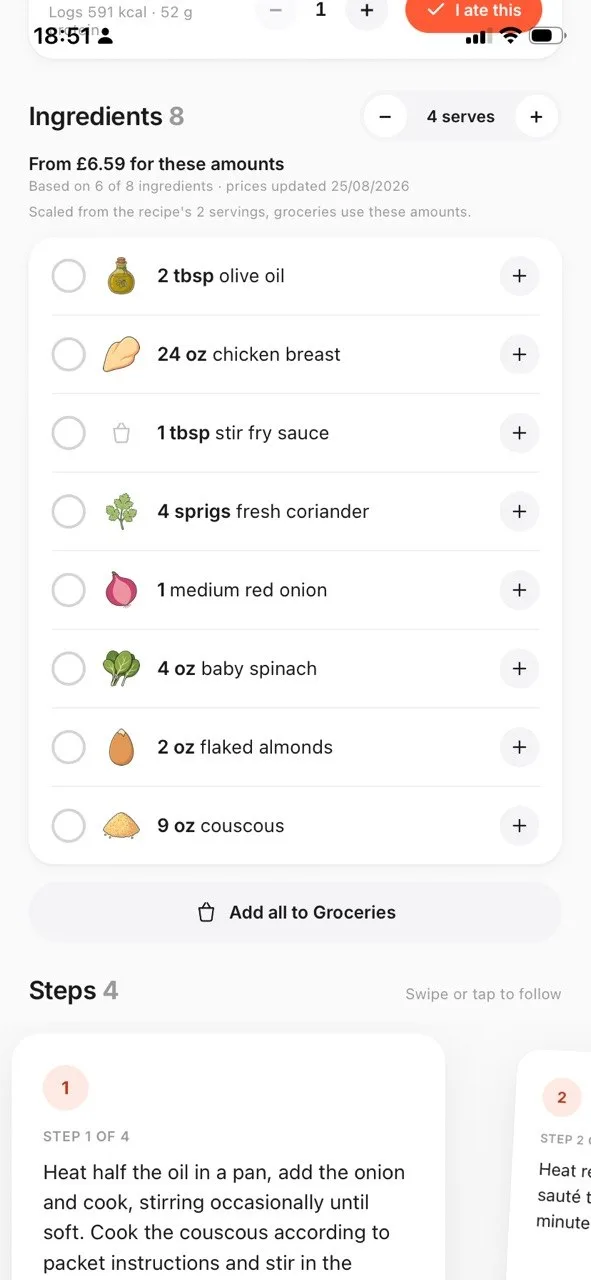
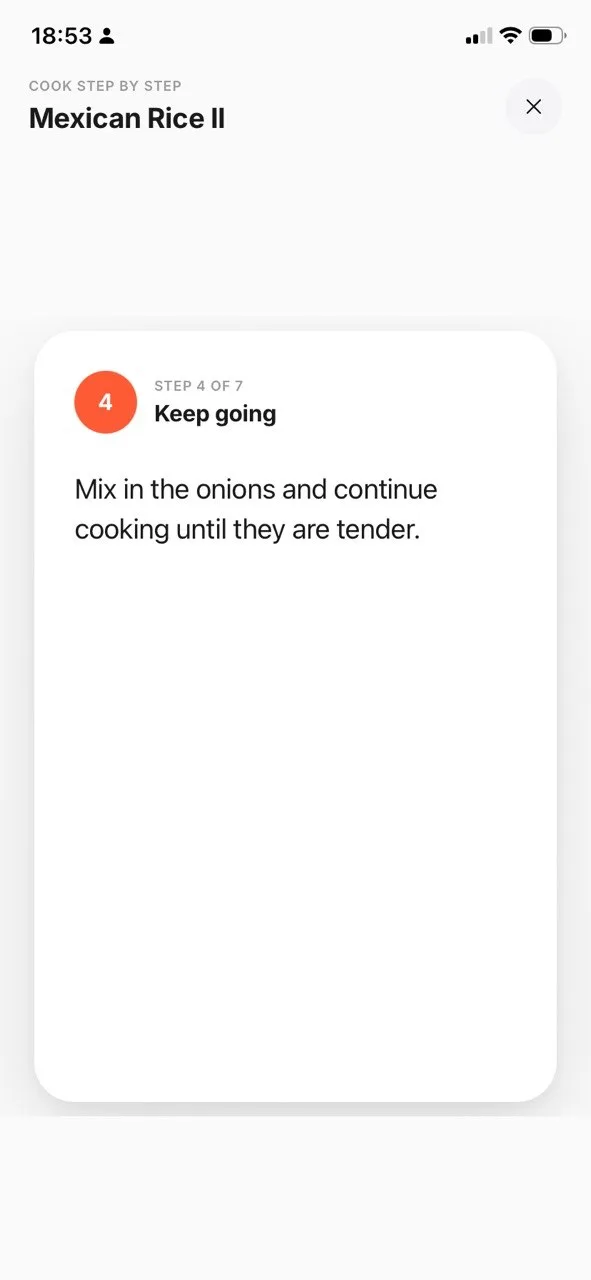 Step 4 of 7
Step by step, at your own pace.
Every saved recipe opens into swipeable step cards, one instruction at a time, with prep and cook time up top. When your hands are in the food, tap Cook mode for a full-screen view you can thumb through without losing your place.
Plan your cook nights across the week in the Kitchen tab, so dinner is a decision you already made.
See Cook mode →Enough to choose with confidence, never enough to nag.
Every recipe carries kcal, protein, carbs, and fat per serving, plus a Goal Match ring that shows how it lines up with your daily target. Set your goal once, or skip it entirely. ReciPop never asks what you ate. It just shows you what a dish contains, so the choice is yours.
A green "Great match" pill appears when a recipe fits your target closely. Nothing gets filtered out or hidden.
See the swaps →One tap to make a recipe fit your goal.
When a dish lands short of your goal, tap Pop. ReciPop rewrites the ingredient list using a fixed table of classic swaps, such as Greek yogurt for sour cream or chickpea pasta for regular, and shows what each one is worth per serving. The original recipe is never overwritten, so you can always go back.
We have written up the ones worth knowing, with the macros side by side: sour cream, cream cheese, heavy cream, mayonnaise, cornstarch and buttermilk.
See every swap and what it costs →Per-serving effects are estimates.
Every number is an estimate, and we say so.
Recipe macros are calculated from the ingredients we can read, not weighed in a lab. So ReciPop labels them as estimates and rounds them sensibly. Good enough to compare two dinners with confidence. Never dressed up as something they are not.
Tap the basket. Your list sorts itself.
Add a recipe's ingredients to your grocery list with one tap, and ReciPop groups them by aisle: produce, protein, dairy, pantry. Quantities show in grams or ounces, your choice, with the tidy rounding you would write yourself. Tick items off as you shop. The list is there when you come back.
Everything stays on your phone, so your list works with no signal in aisle seven.
Questions, answered calmly.
Two places. ReciPop ships with a catalogue of more than 34,000 recipes that the weekly planner draws from, so you can plan a week without adding anything yourself. You can also bring your own: share a link from Instagram, TikTok, Safari or a food blog, or paste it into the app, and ReciPop rebuilds it into a clean recipe with steps and macros.
No. ReciPop never asks what you ate. It shows what a recipe contains, per serving, so you can choose with a bit more context. There are no logs to keep and no streaks to lose.
They are careful estimates, calculated from the ingredients in the recipe and labelled as estimates. They are built for comparing dinners with confidence, not for medical precision.
No. You can start cooking the moment you open the app. Your cookbook and grocery list live on your device.
On your phone. Your saved recipes, grocery list, and macro targets stay in local storage on your device today. We do not sell your data, and there are no advertising trackers in the app.
No. Set a goal if you want the Goal Match ring to mean something to you, or skip it and use ReciPop purely as a cookbook. Nothing is forced and nothing is filtered out.
ReciPop is free to download and works without an account. ReciPop Plus is optional: $39.99 a year in the US, opening with a free 7-day trial and no charge up front, or $5.99 a week with no trial. Both renew until you cancel, which you can do any time in your Apple ID subscription settings. Billing runs through the App Store, and the price for your own region is shown before you confirm anything.
Yes. Pick a goal of more protein, fewer carbs, or less fat, and ReciPop rewrites the ingredient list using a fixed table of classic swaps, such as Greek yogurt for sour cream or chickpea pasta for regular. Each swap shows its approximate per-serving effect, and the original recipe is never overwritten.
ReciPop is iOS first today. Android is on the roadmap, not shipped yet.
Stop deciding dinner seven times a week.
Plan it once, shop it once, then just cook. Calmly.
Download free on the App Store