How to save recipes from Instagram and TikTok without screenshots
Screenshots pile up and never get cooked. How to save a Reel or TikTok as a real recipe with steps and macros, and what to do when a video has no written method.
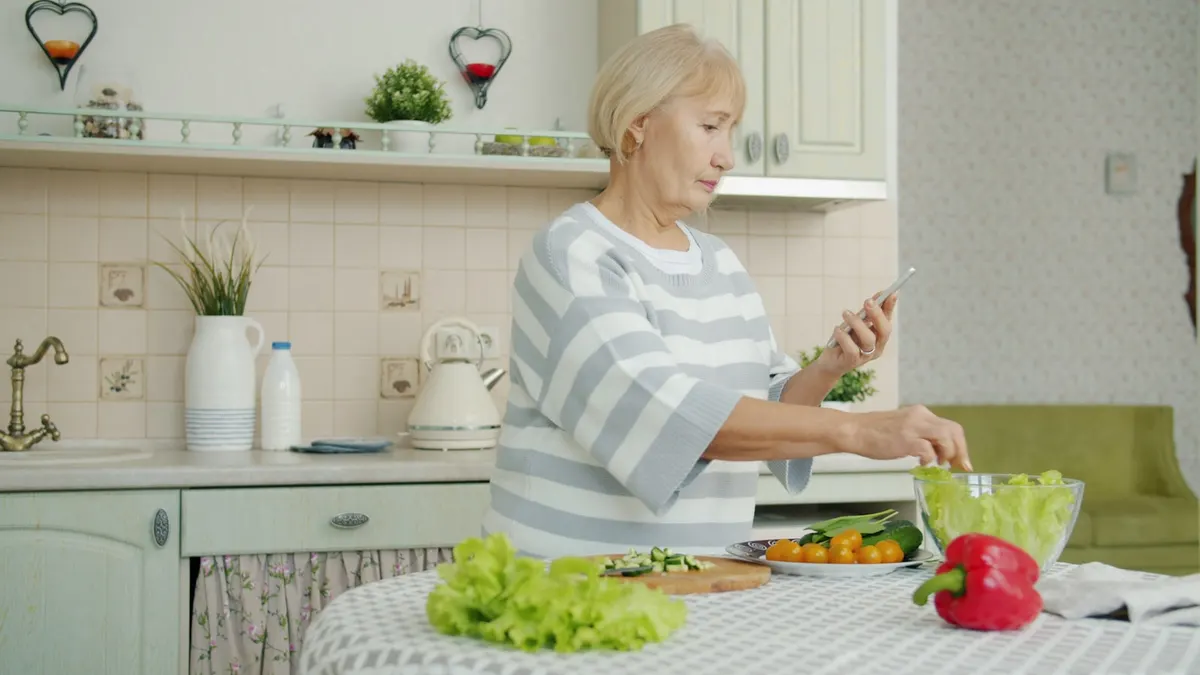
The fastest way to save a recipe from Instagram or TikTok is the share sheet. Tap share on the post, choose a recipe app that accepts links, and the recipe is rebuilt as text you can cook from. A screenshot saves a picture of a recipe. A share saves the recipe itself.
Why the camera roll stops working
A screenshot is a dead end by design. It is not searchable, it does not scale with your servings, it cannot become a shopping list, and it sits between a photo of your parking space and a picture of your dog. Most people who screenshot recipes never open them again, which is why the phrase “I have 400 recipes I have never cooked” is so familiar.
The problem is not discipline. It is the format.
The share sheet route, step by step
- Open the post in Instagram, TikTok, Pinterest, or your browser.
- Tap the share icon.
- Choose your recipe app from the share sheet. On iOS you may need to scroll the app row and tap More the first time, then enable it.
- The app opens with the link already loaded and rebuilds the recipe.
This works because you are handing over a URL rather than an image. A URL can be read. An image has to be retyped.
If your app is not in the share sheet
iOS hides apps you have not used from the share row. Tap More at the end of the row, find the app in the list, and drag it up to Favourites. It stays there afterwards.
When the video has no written recipe
This is the single most common reason an import fails, and it is worth understanding before you blame the app.
A lot of Reels and TikToks are video only. The recipe exists in the creator’s head and in the footage, but there is no text anywhere for software to read. Nothing can import a recipe that was never written down.
What usually works instead:
- Check the caption. Many creators paste the full method there. If they have, the post will import.
- Check the bio link. Food creators often keep a blog or a Linktree with the written version. Import that link rather than the video.
- Search the dish name plus the creator’s handle. The written version is frequently on a blog that the video never links to.
- Paste a food blog link instead. Blog posts almost always carry structured recipe markup, which is the easiest thing to read reliably.
If a link opens a real page with visible ingredients and method in your browser, it will usually import. If it does not, no importer will do better.
Paste a link instead of sharing
The share sheet is fastest in the moment, but paste works whenever you already have a URL: someone sent you a link, you found it on a laptop, or you are clearing a backlog of saved posts. Open the app, paste, done. Same result.
What you should end up with
A saved recipe is worth more than a screenshot only if it arrives as something you can actually use. At minimum you want:
- A clean ingredient list, separate from the story
- The method as discrete steps rather than one paragraph
- A serving count, so quantities mean something
- Nutrition per serving, if you care about it
- A photo of the dish, not a wall of text
In ReciPop that is what an import produces, and the ingredients can go straight to an aisle-grouped grocery list from there. Macros are shown per serving and labelled as estimates, because they are calculated from the ingredients we can read rather than measured in a lab.
If you are still choosing which app to share into, recipe organizer apps compared sets the options side by side, including which ones work out nutrition for you and which leave you to type it in.
The honest limitation
No importer is perfect. Sites change their markup, some creators write ingredients into an image, and a few pages block automated readers entirely. When an import fails on a page that clearly has a written recipe, that is worth reporting, because it is usually fixable. When it fails on a silent cooking video with a caption that just says “recipe below” and no recipe below, that is not.
Related reading: why every macro number is an estimate.